Skip to content
Email and Calendar

Email and Calendar

  • All Articles
  • App
  • Coding
  • Hardware
  • More
    • Operating System
    • Outlook
    • PowerPoint
    • Review
    • Software
    • Tip & Trick
    • Troubleshooting
    • Windows

PowerPoint

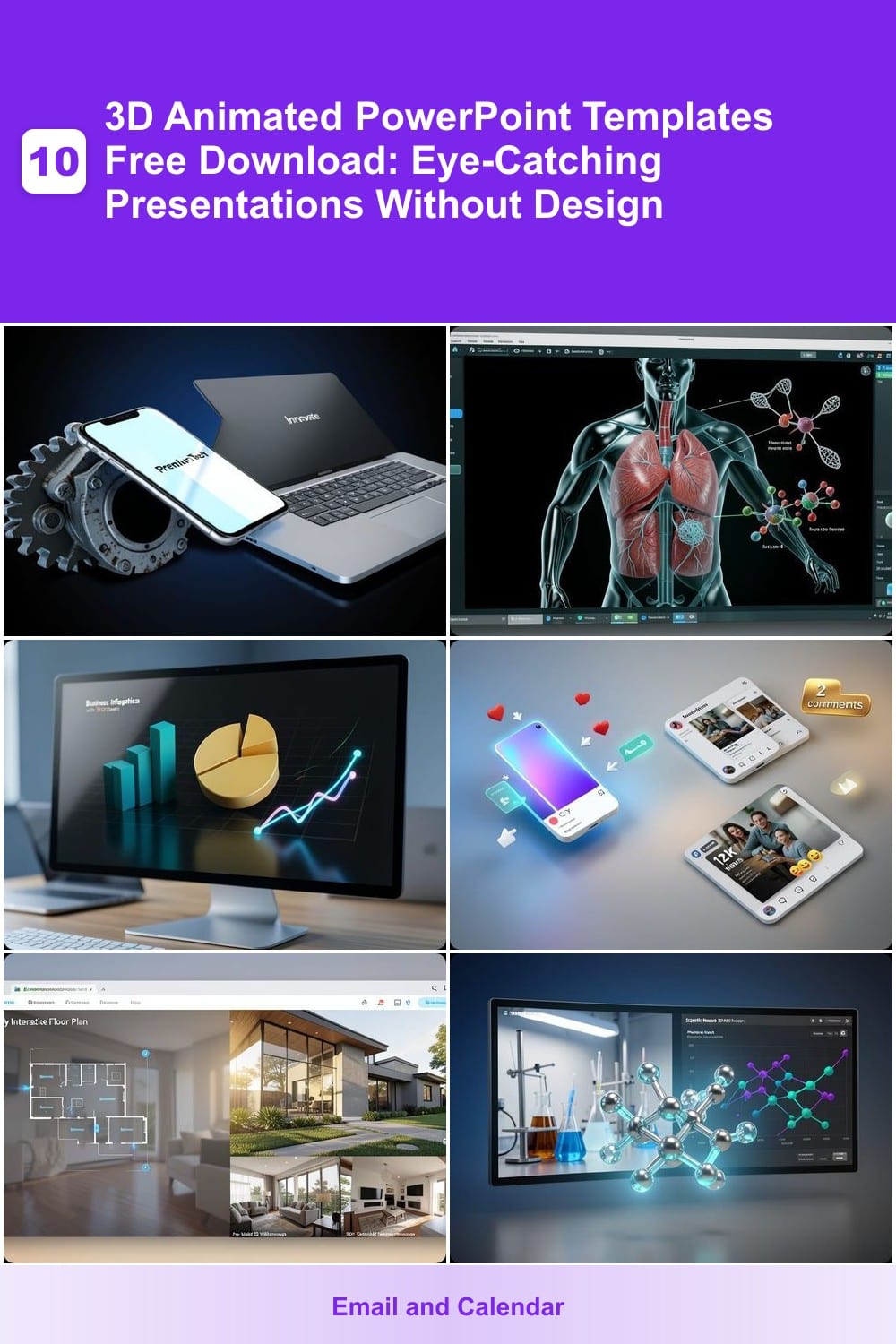
10 3D Animated PowerPoint Templates Free Download: Eye-Catching Presentations Without Design Skills
November 6, 2026 by Jamal Hollis
10 3D Animated PowerPoint Templates Free Download: Eye-Catching Presentations Without Design Skills

Need to create professional presentations without design skills? These 10 free 3D animated PowerPoint templates transform your slides into dynamic visuals with just a few clicks—perfect for business, education, or…


Read more

Categories PowerPoint

How to Download PowerPoint on iPad: One-Tap Access to Full Office Suite

October 15, 2026 by Jamal Hollis
How to Download PowerPoint on iPad: One-Tap Access to Full Office Suite

Downloading PowerPoint on your iPad takes less than two minutes —no tech degree required. ⚡ I’ve helped countless folks (including my dad back in Pittsburgh) wrestle with app stores, and this one’s straightforward once…

Read more

Categories PowerPoint

How to Install Powerpoint from Office 365: Step-by-Step Installation for Beginners

October 8, 2026 by Jamal Hollis
How to Install Powerpoint from Office 365: Step-by-Step Installation for Beginners

Installing PowerPoint from Office 365 is the gateway to creating polished presentations—whether you're pitching a business idea or planning a family slideshow. I remember my first time setting it up at twelve on my…

Read more

Categories PowerPoint

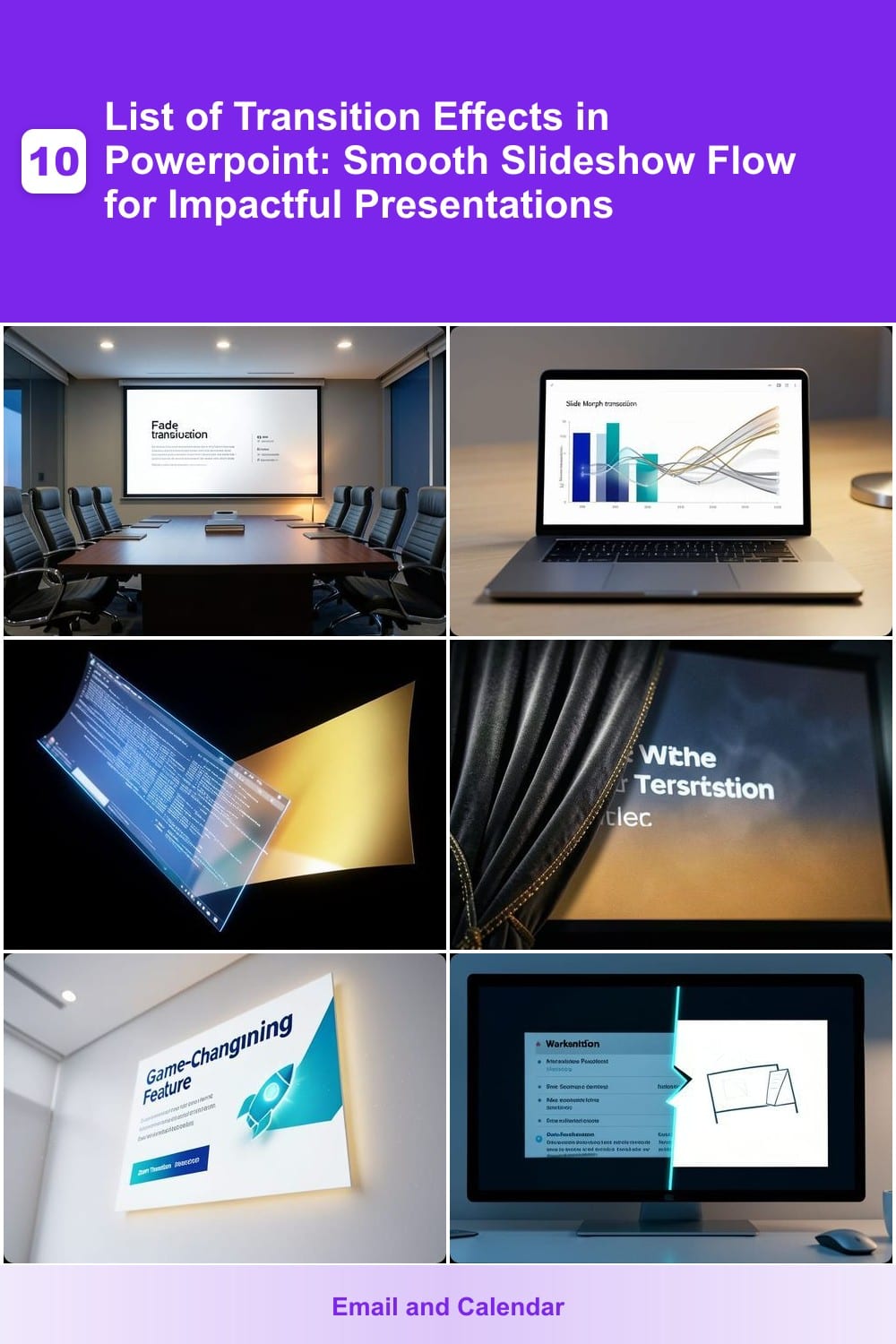
List of Transition Effects in Powerpoint: Smooth Slideshow Flow for Impactful Presentations

October 15, 2026 by Jamal Hollis
List of Transition Effects in Powerpoint: Smooth Slideshow Flow for Impactful Presentations

PowerPoint transitions can transform a dull presentation into a dynamic, engaging experience. These seven carefully selected transition effects help maintain audience focus, emphasize key points, and create professional…

Read more

Categories PowerPoint

Microsoft Clip Art Images Free Download: 2024’s Best Legal Sources for PowerPoint & Docs

October 6, 2026 by Jamal Hollis
Microsoft Clip Art Images Free Download: 2024’s Best Legal Sources for PowerPoint & Docs

Free downloads of Microsoft clip art images are easier than ever in 2024 , but not all sources play by the rules. Struggling to find high-quality clip art that won’t land you in legal hot water? Microsoft’s official…

Read more

Categories PowerPoint

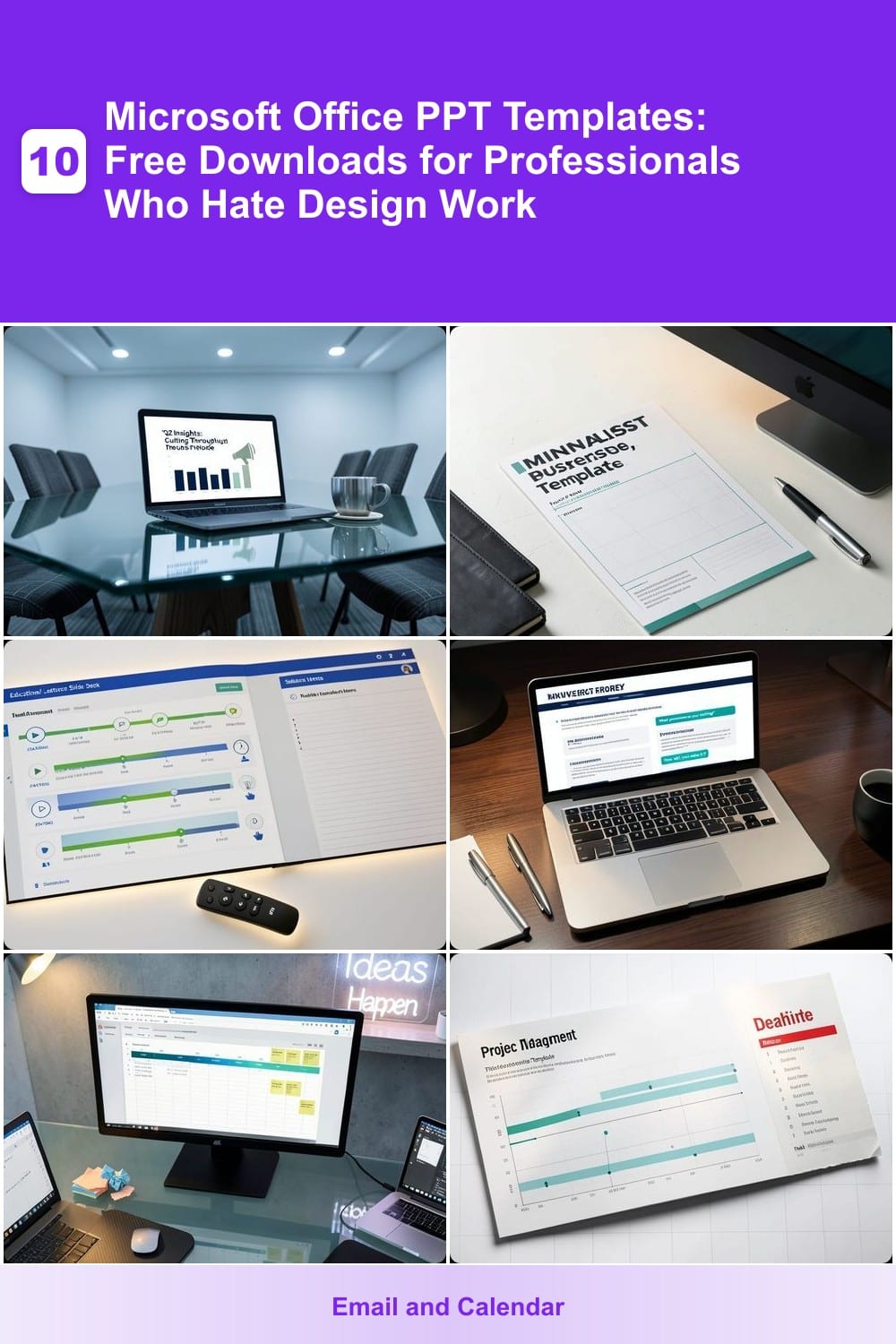
10 Microsoft Office PPT Templates: Free Downloads for Professionals Who Hate Design Work

October 15, 2026 by Jamal Hollis
10 Microsoft Office PPT Templates: Free Downloads for Professionals Who Hate Design Work

Tired of staring at blank PowerPoint slides? These 10 free Microsoft Office-compatible templates save you hours of design work while keeping your presentations polished and professional. Perfect for busy professionals…

Read more

Categories PowerPoint

Where Is Text Effects in PowerPoint: Ribbon Location and Shortcut Keys Explained

October 9, 2026 by Jamal Hollis
Where Is Text Effects in PowerPoint: Ribbon Location and Shortcut Keys Explained

💥 Quick Answer To find Text Effects in PowerPoint, look in the Drawing Tools Format tab under the Text Effects group (or use WordArt Styles for pre-made designs). Press Ctrl+Shift+P to instantly open the full Text…

Read more

Categories PowerPoint

Where Is the Eyedropper in PowerPoint: Keyboard Shortcut and Menu Location Explained

October 10, 2026 by Jamal Hollis
Where Is the Eyedropper in PowerPoint: Keyboard Shortcut and Menu Location Explained

💥 Quick Answer To find the eyedropper in PowerPoint, look for the 'Eye Dropper' tool in the Home tab under Font Color (click the dropdown arrow), or use the Ctrl+Shift+C shortcut to copy a color, then Ctrl+Shift+V to…

Read more

Categories PowerPoint

Where Is The Insert Outline Dialog In Powerpoint

November 20, 2026 by Jamal Hollis
Where Is The Insert Outline Dialog In Powerpoint

💥 Quick Answer To find the Insert Outline dialog in PowerPoint, go to Home > Outline (or use the keyboard shortcut Alt+N, O ). This feature lets you reorganize your presentation by dragging text between sections, giving…

Read more

Categories PowerPoint

Where Is Word Art in PowerPoint: Exact Menu Paths and Hidden Locations

October 13, 2026 by Jamal Hollis
Where Is Word Art in PowerPoint: Exact Menu Paths and Hidden Locations

💥 Quick Answer To find Word Art in PowerPoint, go to the Insert tab and click Word Art in the Text group. In older versions (2013 or 2016), look under the Insert ribbon’s Text section or right-click the slide to access…

Read more

Categories PowerPoint
Page1Page2Next →

About Me

Jamal Hollis

Jamal Hollis
My first computer was a clunky desktop my dad brought home from work in the '90s, its green-screen monitor flickering like a ghostly TV. I spent hours typing out stories, only to watch them disappear when the power went out. That moment—losing something you’d worked so hard to create—taught me two things: technology could be magical, and you *always* back up your files. Now, I run this site to turn tech into something approachable, whether it’s troubleshooting a stubborn printer or mastering a new keyboard shortcut. If I can make the digital world feel a little less intimidating, one tutorial at a time, I’ve done my job.

Learn more

Recent Posts

  • How to Install Onenote for Windows 10: Step-by-Step Installation Guide
    How to Install Onenote for Windows 10: Step-by-Step Installation Guide
  • How to Set up Email on Android: Quick 4-Step Guide for Any Provider
    How to Set up Email on Android: Quick 4-Step Guide for Any Provider
  • How Do I Set up Voice Recognition: Windows 11/10 Activation in 5 Minutes
    How Do I Set up Voice Recognition: Windows 11/10 Activation in 5 Minutes
  • Microsoft Clip Art Images Free Download: 2024’s Best Legal Sources for PowerPoint & Docs
    Microsoft Clip Art Images Free Download: 2024’s Best Legal Sources for PowerPoint & Docs
  • Set Up MSN Email on Mac: Step-By-Step Visual Guide for Beginners
    Set Up MSN Email on Mac: Step-By-Step Visual Guide for Beginners
  • All Guides
  • About
  • Contact
  • Privacy Policy
  • Cookie Policy
  • Terms of Use
© 2026 emailandcalendar.com