PowerPoint
Tired of staring at blank PowerPoint slides? These 10 free Microsoft Office-compatible templates save you hours of design work while keeping your presentations polished and professional. Perfect for busy professionals who need impact without the graphic design degree.
Modern Corporate Presentation Template

Executives drowning in data but short on time? The Modern Corporate Presentation Template cuts through the noise with a minimalist, high-impact design built for quarterly reports and investor pitches. This isn’t just another generic template—it’s engineered to highlight data-driven insights without overwhelming your audience with clutter.
Designed for Microsoft PowerPoint (2016/365), it includes pre-built sections for executive summaries, financial overviews, and strategic roadmaps—all with clean typography, subtle geometric accents, and placeholder charts ready for your numbers. The dark blue/white color scheme ensures readability, while the modular layout lets you rearrange slides without losing cohesion. Best of all? It’s 100% free and compatible with both desktop and online versions of PowerPoint.
Perfect for C-suite professionals, financial analysts, and startup founders who need to command attention without sacrificing clarity. Skip the design stress and focus on delivering your message—this template does the heavy lifting for you. ⚡
Minimalist Business Proposal Template
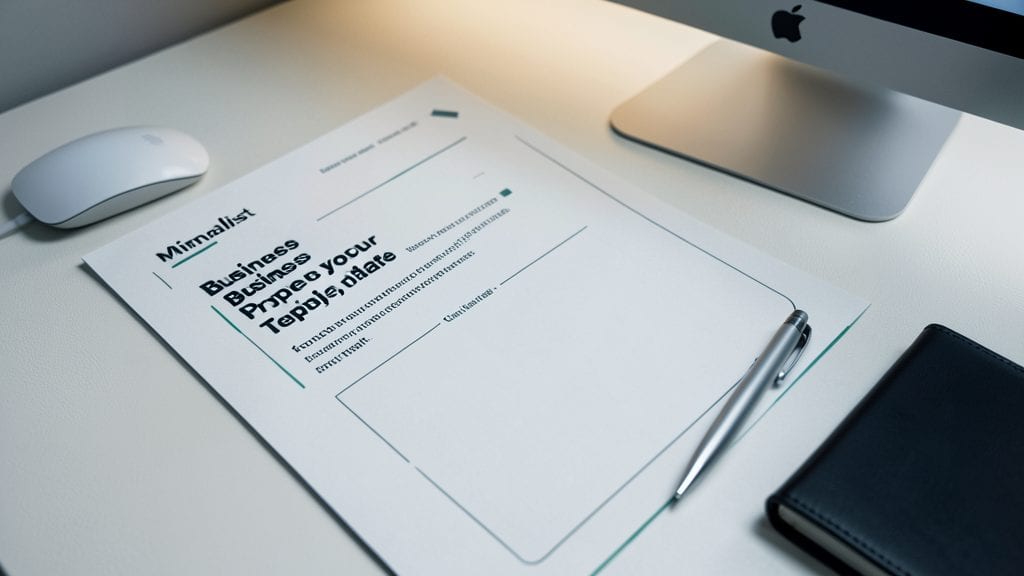
Freelancers and consultants know that a polished business proposal can make or break a client relationship—but designing one from scratch is time-consuming. This Minimalist Business Proposal Template eliminates the guesswork with a distraction-free layout that keeps focus on your expertise, not flashy graphics.
Built with contract-ready sections (like terms, payment schedules, and deliverables), it includes placeholder slides for client testimonials and service descriptions. The light gray background with subtle dotted dividers ensures readability, while professional icons keep it visually engaging without overwhelming. Compatible with Microsoft PowerPoint 2016 and later, it’s ready to download and customize in minutes.
Ideal for freelancers pitching new clients or consultants proposing retainer agreements, this template turns your proposal into a client-converting tool—no design skills required. ✨
Educational Lecture Slide Deck
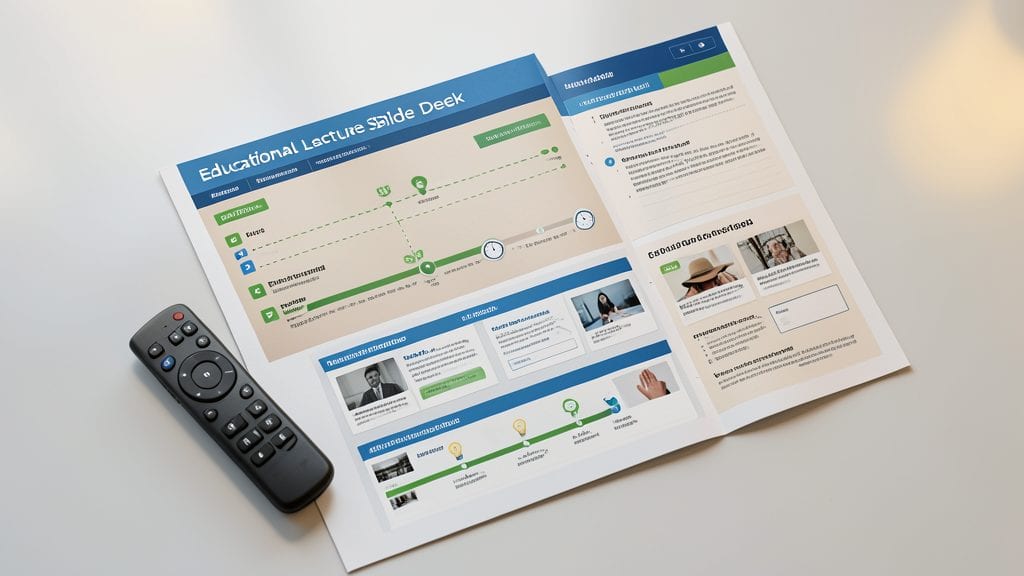
Struggling to keep students or trainees engaged during presentations? This Educational Lecture Slide Deck transforms your lectures into interactive experiences with built-in speaker notes, timeline templates, and clickable elements—all designed to boost retention.
The template includes pre-formatted sections for key concepts, discussion questions, and visual aids, plus a dedicated notes area to keep you on track without flipping through papers. It’s optimized for readability with high-contrast text and academic-friendly layouts, ensuring your content shines. Perfect for corporate trainers, professors, or workshop leaders who want to blend clarity with engagement.
Ideal for university lectures, corporate training sessions, or virtual workshops, this template saves hours of formatting while keeping your audience focused. 💡
Startup Pitch Deck Template

Raise your startup funding game with this investor-ready pitch deck template designed to highlight your vision without the design headaches. Every slide is strategically structured to address the three critical questions investors ask: "What problem are you solving?", "How will you solve it?", and "Why should I invest?"
The template includes pre-formatted sections for your problem statement, solution breakdown, market size analysis, and funding ask, all with a bold visual hierarchy that guides investors through your narrative. Built-in placeholders for financial projections and competitor comparisons ensure you cover all bases while maintaining a sleek, professional look. Compatible with Microsoft PowerPoint 2016 and later, it’s ready to download, customize, and impress.
Perfect for bootstrappers, first-time founders, and seasoned entrepreneurs alike, this template helps you focus on what matters most—your pitch—not formatting. 🌟
Marketing Campaign Planner
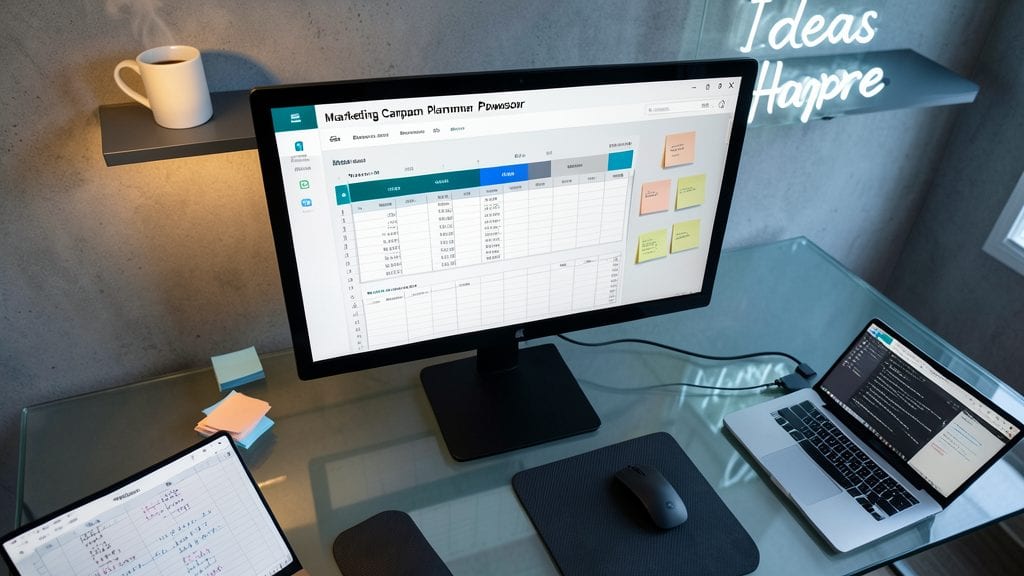
If you're drowning in spreadsheets and sticky notes while planning your next marketing campaign, this Marketing Campaign Planner template is your lifesaver. It transforms chaotic brainstorming into a structured, visual roadmap with everything you need to launch a winning strategy.
Designed specifically for marketers, it includes pre-built sections for campaign timelines with color-coded phases (awareness, consideration, conversion), KPI tracking dashboards, and social media integration placeholders. The template even features drag-and-drop Gantt chart-style timelines and built-in space for budget allocations—no design skills required.
Perfect for digital marketers, agency teams, or small business owners who need to align stakeholders and track progress visually. Download it to turn your campaign planning from overwhelming to effortless. ✨
Project Management Timeline Template
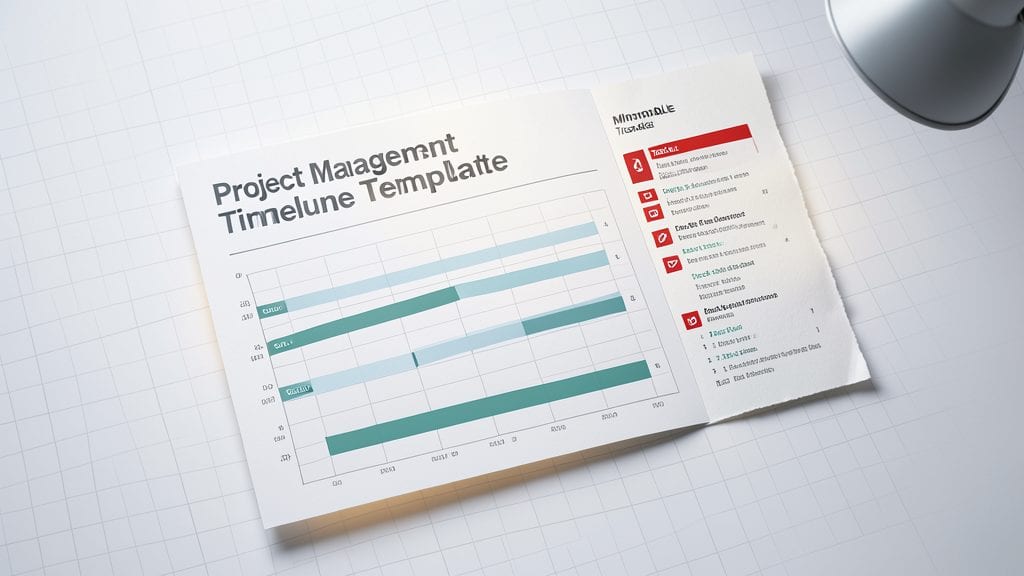
If keeping projects on track feels like herding cats, this Project Management Timeline Template turns chaos into clarity. Designed specifically for project managers, it includes Gantt chart placeholders for visualizing timelines, milestone trackers to mark key deadlines, and dedicated sections for assigning team members—all while maintaining a clean, professional look.
The template stands out with its Microsoft Project compatibility, letting you import data directly from your existing project files. Color-coded task bars make dependencies and progress at a glance, while pre-built sections for risk assessment and resource allocation ensure nothing slips through the cracks. Whether you're managing a small team or a complex initiative, this tool keeps everyone aligned.
Ideal for agile teams, construction managers, or IT project leads, this template saves hours of manual setup. Just plug in your data, tweak the colors to match your brand, and present with confidence. ✨
Financial Report Presentation
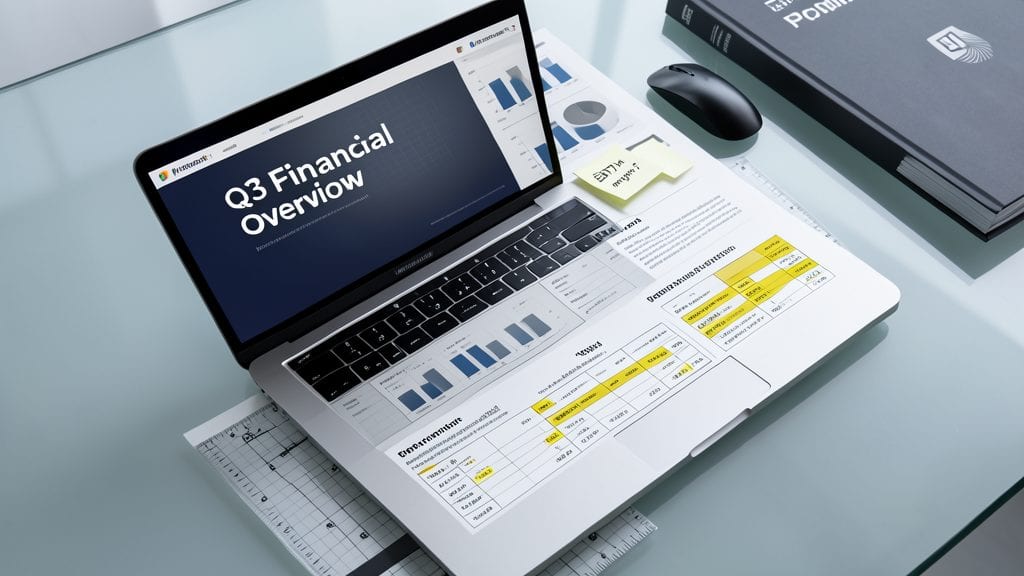
Crunched for time but need a compliance-ready financial report that wows stakeholders? This Financial Report Presentation template is your secret weapon—specifically built for accountants and finance teams to transform raw data into polished, professional slides.
It includes pre-built chart placeholders for revenue trends, expense breakdowns, and financial projections, saving you hours of formatting. The compliance-ready disclaimer sections ensure you meet regulatory standards without legal headaches, while customizable color schemes let you match your brand effortlessly. Best of all, it’s fully editable in PowerPoint 2016 and later.
Perfect for quarterly reviews, investor updates, or board meetings—this template helps you focus on the numbers, not the design. ⚡
Team Meeting Agenda Template
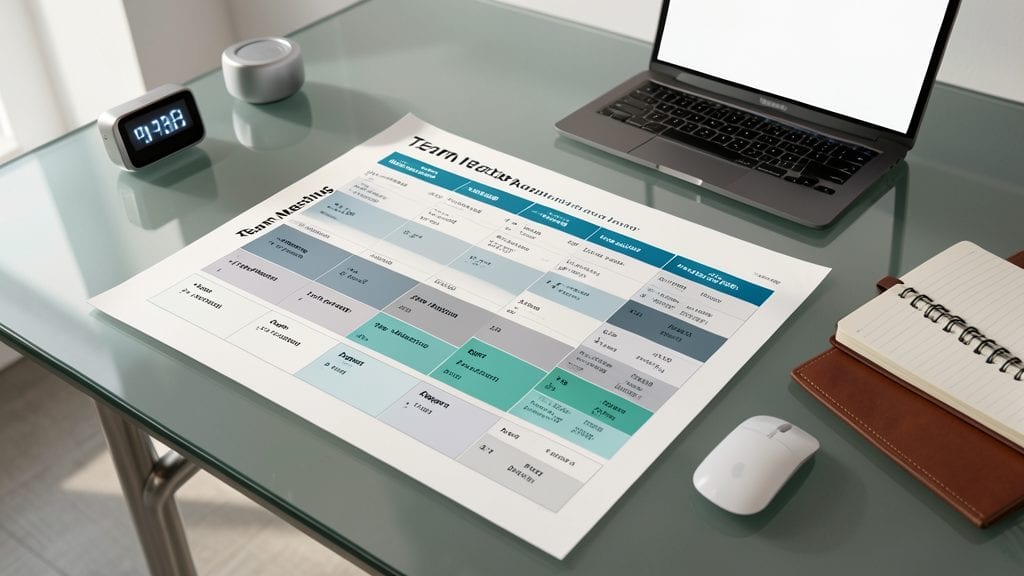
Say goodbye to chaotic meetings that run over time and leave everyone confused about next steps. This Team Meeting Agenda Template is your secret weapon for structured, productive sessions with built-in time tracking and clear action item assignments.
Designed specifically for managers, it includes pre-formatted time slots for each agenda item, a dedicated decision-tracking table to document outcomes, and action item checkboxes to ensure follow-through. The template also features a team member assignment section so everyone knows their responsibilities upfront. Compatible with Microsoft PowerPoint 2016 and later, it’s ready to use with minimal setup.
Perfect for team leads, project managers, and department heads who want to maximize efficiency in every meeting. Download it today and transform your next session from a time-waster to a productivity powerhouse. ✨
Creative Brainstorming Canvas
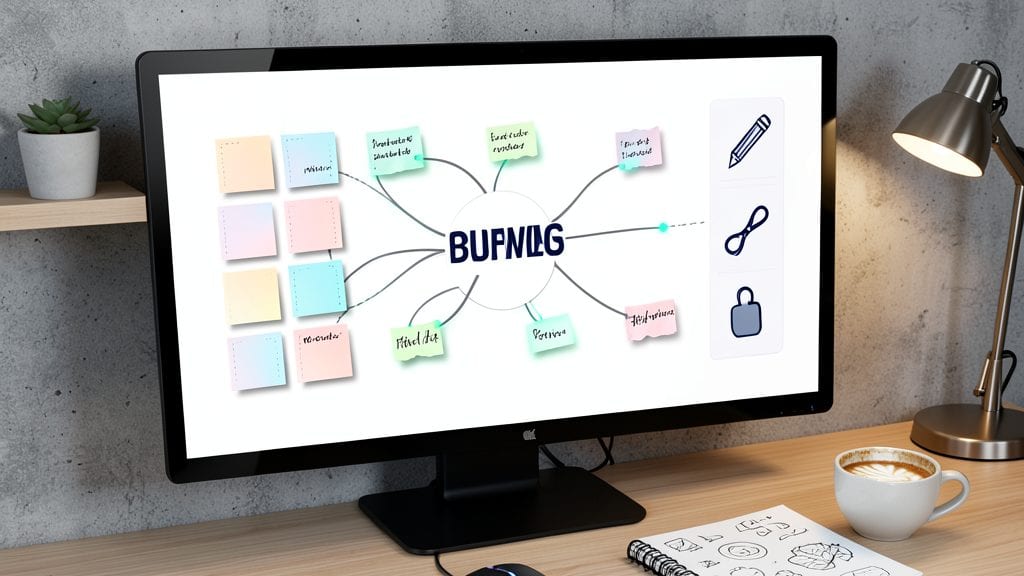
Turn chaotic brainstorming sessions into structured creativity with this interactive brainstorming canvas—designed to mimic physical whiteboards but with digital flexibility. The template includes sticky-note placeholders for quick idea capture, mind map connectors to visualize relationships, and collaborative feedback sections to streamline team input.
You’ll find pre-built layouts for SWOT analysis, user journey mapping, and innovation workshops, all compatible with PowerPoint 2016+. The vibrant color-coding helps distinguish ideas, themes, and action items at a glance, while the exportable feedback tracker ensures no great thought gets lost in the shuffle.
Ideal for design sprints, product development teams, or creative agencies, this template transforms passive slides into an active workspace—perfect for teams who thrive on visual collaboration. ✨
Personal Portfolio Showcase
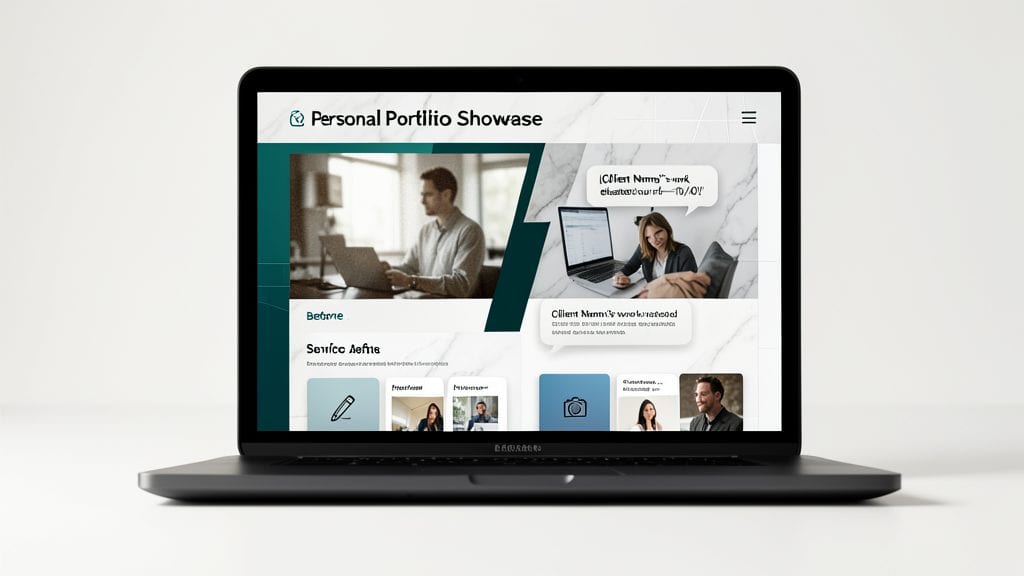
If you’re a freelancer or creative professional tired of generic resumes and weak portfolios, this Personal Portfolio Showcase template transforms your work into a compelling visual narrative. It’s packed with before/after comparison slides, client testimonial placeholders, and service offerings—all designed to highlight your expertise effortlessly.
Built with pre-formatted sections for case studies, project timelines, and skill highlights, this template ensures your portfolio stands out without requiring design skills. The clean, modern layout adapts seamlessly to Microsoft PowerPoint, and the drag-and-drop testimonial blocks let you showcase client feedback prominently. Perfect for landing new clients or updating your online presence.
Ideal for designers, developers, writers, and consultants who want to wow potential clients with a polished, professional portfolio. Grab it for free and turn your work into your best marketing tool. ✨